
Enterprise Product Designer & UX Leader
Driving measurable business outcomes through strategic design, data-informed decisions, and AI-enhanced product solutions.
I help enterprise teams unlock value through product design that drives adoption, accelerates growth, and elevates operational efficiency. With 10+ years of experience shaping complex enterprise platforms and mission-critical workflows, I specialize in translating ambiguous business challenges into practical, scalable solutions that influence product direction, optimize user adoption, and improve key performance metrics.






I’m seeking roles where I can
Lead design strategy for enterprise platforms with measurable business impact
Partner with product leadership to define objectives, success metrics, and ROI
Drive cross-department collaboration to reduce cycle time and increase quality
Build design systems that scale across products, teams, and platforms
What I bring to your team
Outcome-Driven Decision Making – Prioritize features based on business impact, user behavior insights, and product KPIs.
Cross-Functional Influence – Facilitate alignment between design, product, and engineering to move from ideas to results faster.
AI-Integrated Solutions – Embed generative and predictive intelligence to enhance user productivity and product value.

What Sets Me Apart
I focus on delivering measurable business outcomes—not just polished interfaces. My work centers on improving adoption, reducing churn, and aligning user experience with revenue and operational goals. I approach AI as a strategic product lever, designing intelligent workflows that enhance productivity and create real enterprise value. I bring clarity to complex problems, translating ambiguity into focused product direction that stakeholders can align around. Every decision is grounded in data and measurable impact, ensuring that design isn’t just aesthetically strong—but strategically effective and scalable.
PRINCIPAL PRODUCT DESIGNER | ENTERPRISE PRODUCT EXPERIENCE
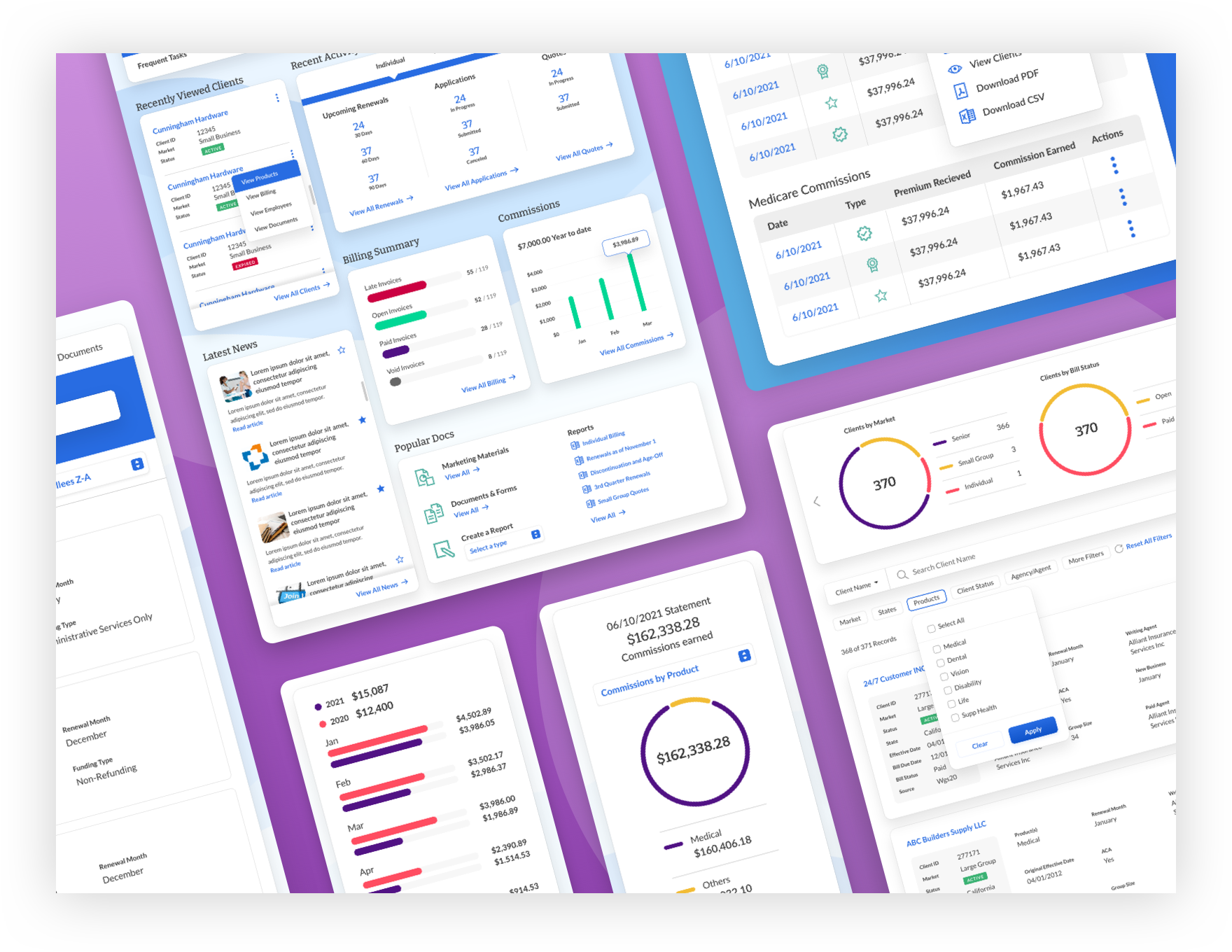
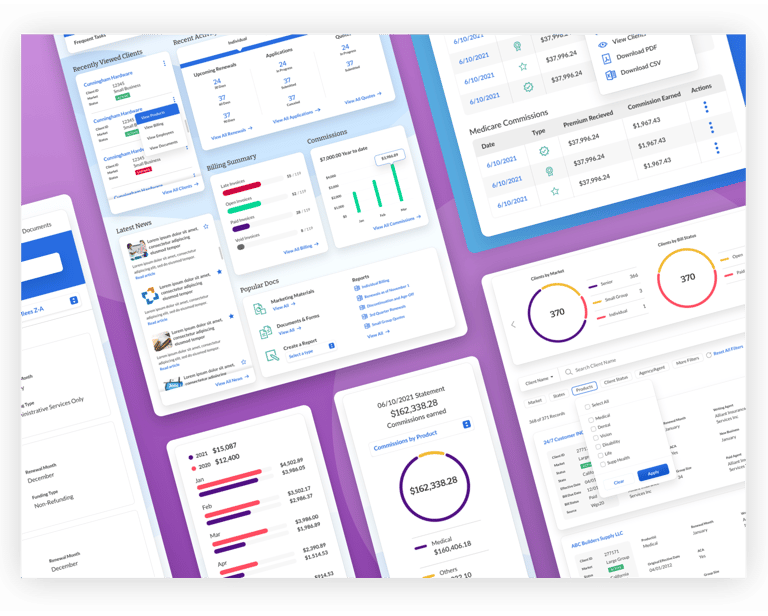
Enterprise B2B Platform Redesign & AI Integration
Redesigned a B2B platform to simplify workflows, surface key information, and help brokers make faster, smarter decisions with AI insights.
PRODUCT DESIGN, DESIGN SYSTEM, DATA VISUALIZATION
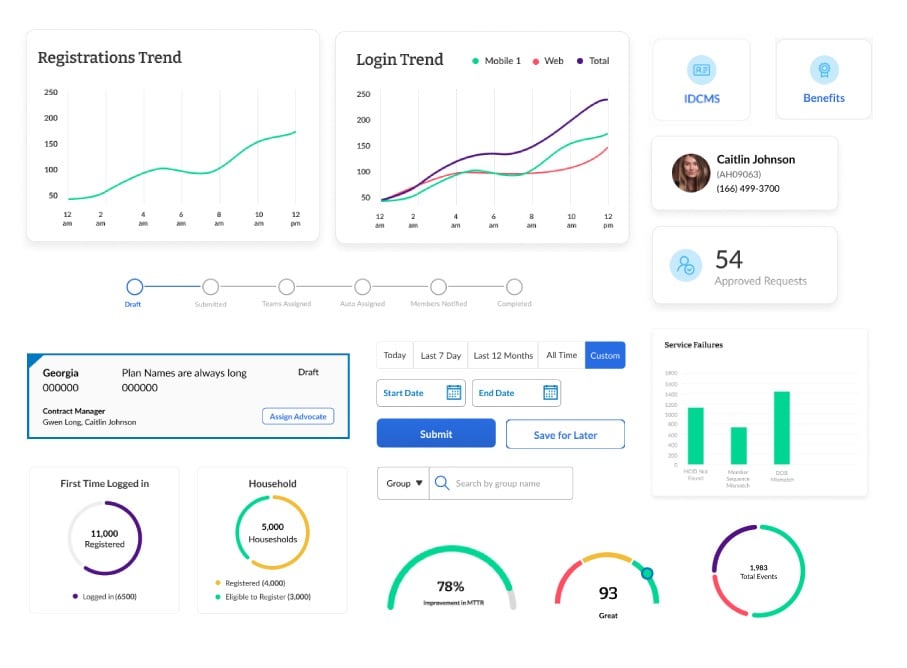
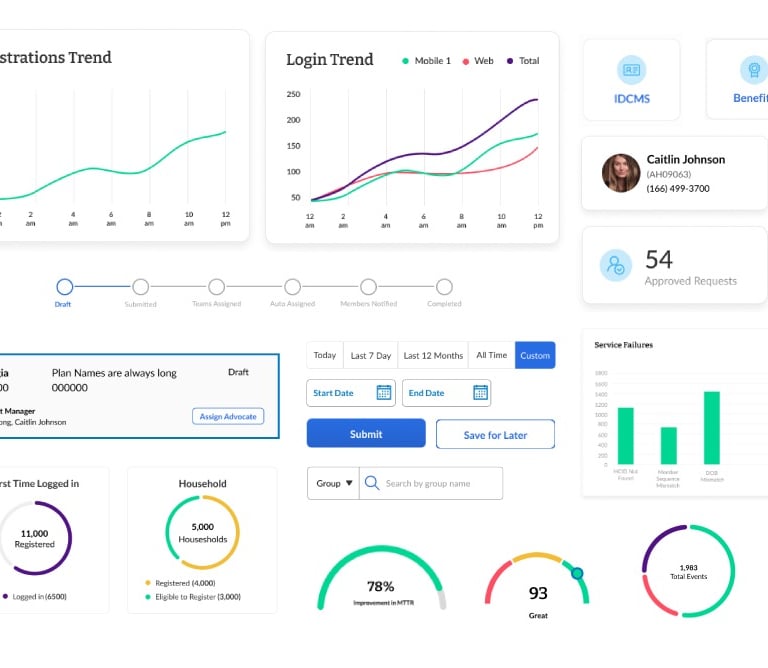
Enterprise Productivity Platform
SmartHelp is an enterprise-grade internal platform that empowers associates and leadership to make data-informed decisions quickly. By centralizing member insights, analytics, team metrics, and search functionality, it streamlines workflows, reduces operational friction, and drives measurable improvements in productivity and efficiency across the organization.
PRODUCT DESIGNER, GEN-AI DESIGN
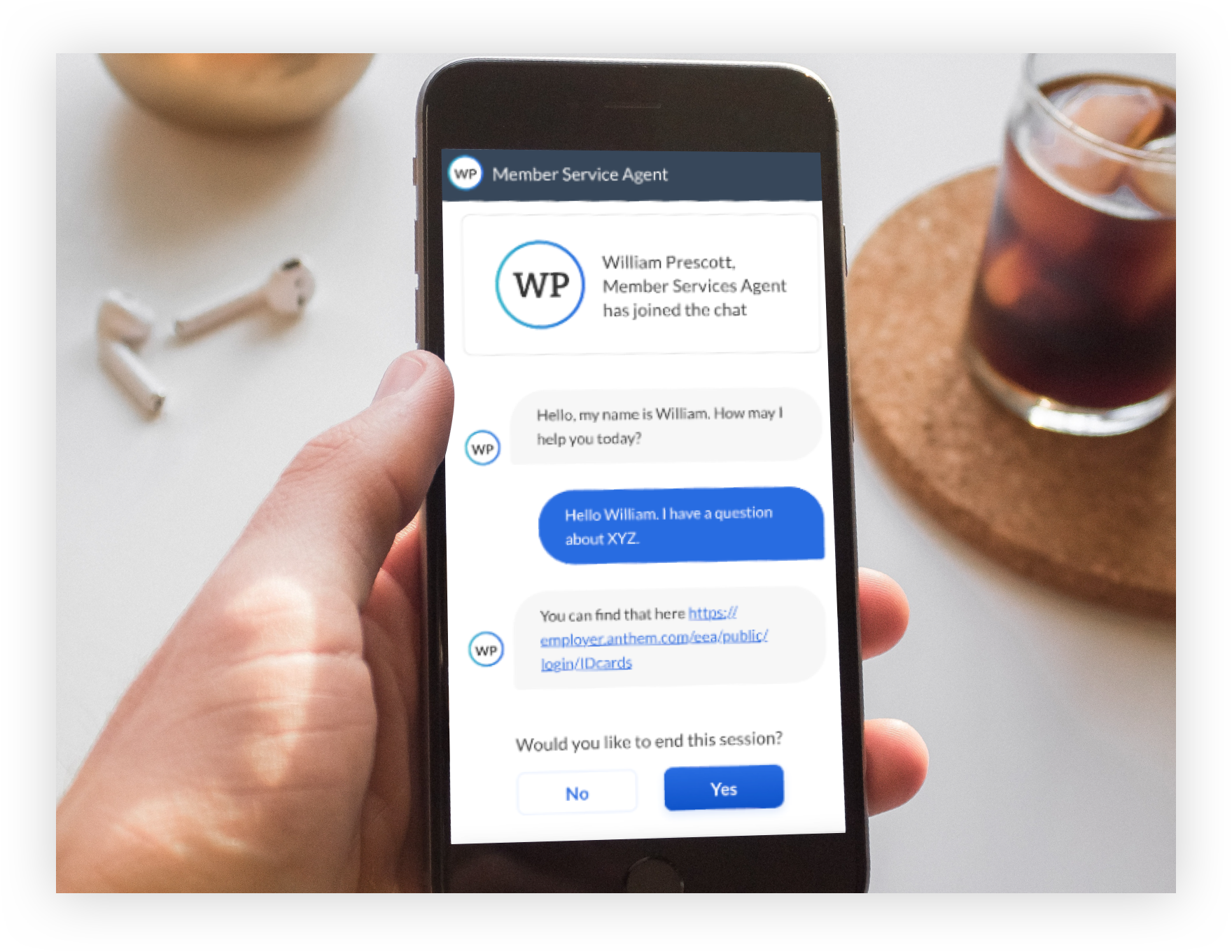
Gen-AI–Assisted Chatbot
An enterprise conversational support system that automates high-volume inquiries, guides structured troubleshooting, and delivers accurate responses in real time—reducing operational costs, accelerating resolution, and improving service consistency at scale.
UX STRATEGY, PRODUCT DESIGN
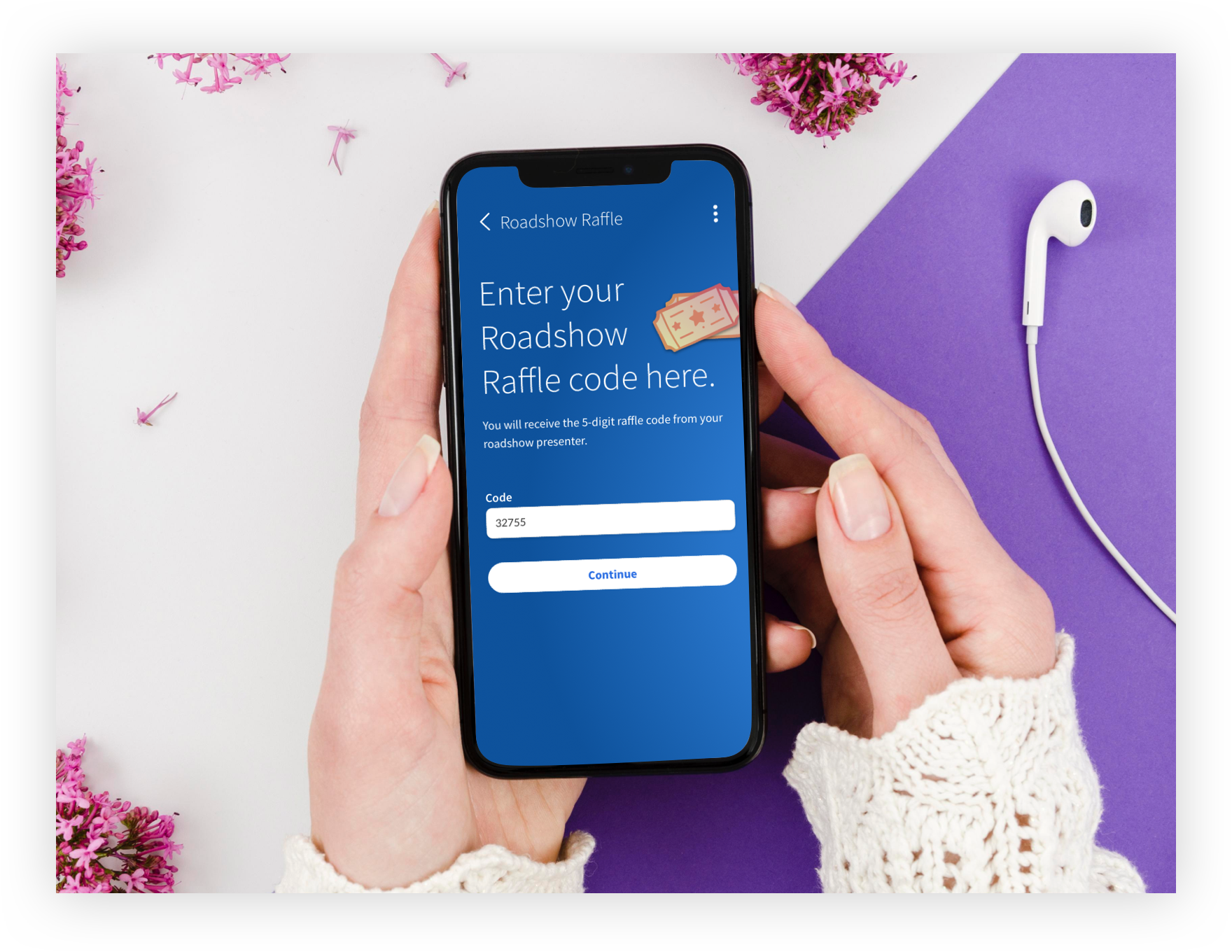
Interactive Mobile Raffle
A gamified activation strategy designed to reduce onboarding friction, accelerate time-to-value, and convert live event traffic into engaged app users.
UX/UI DESIGN, DESIGN SYSTEMS, RESEARCH
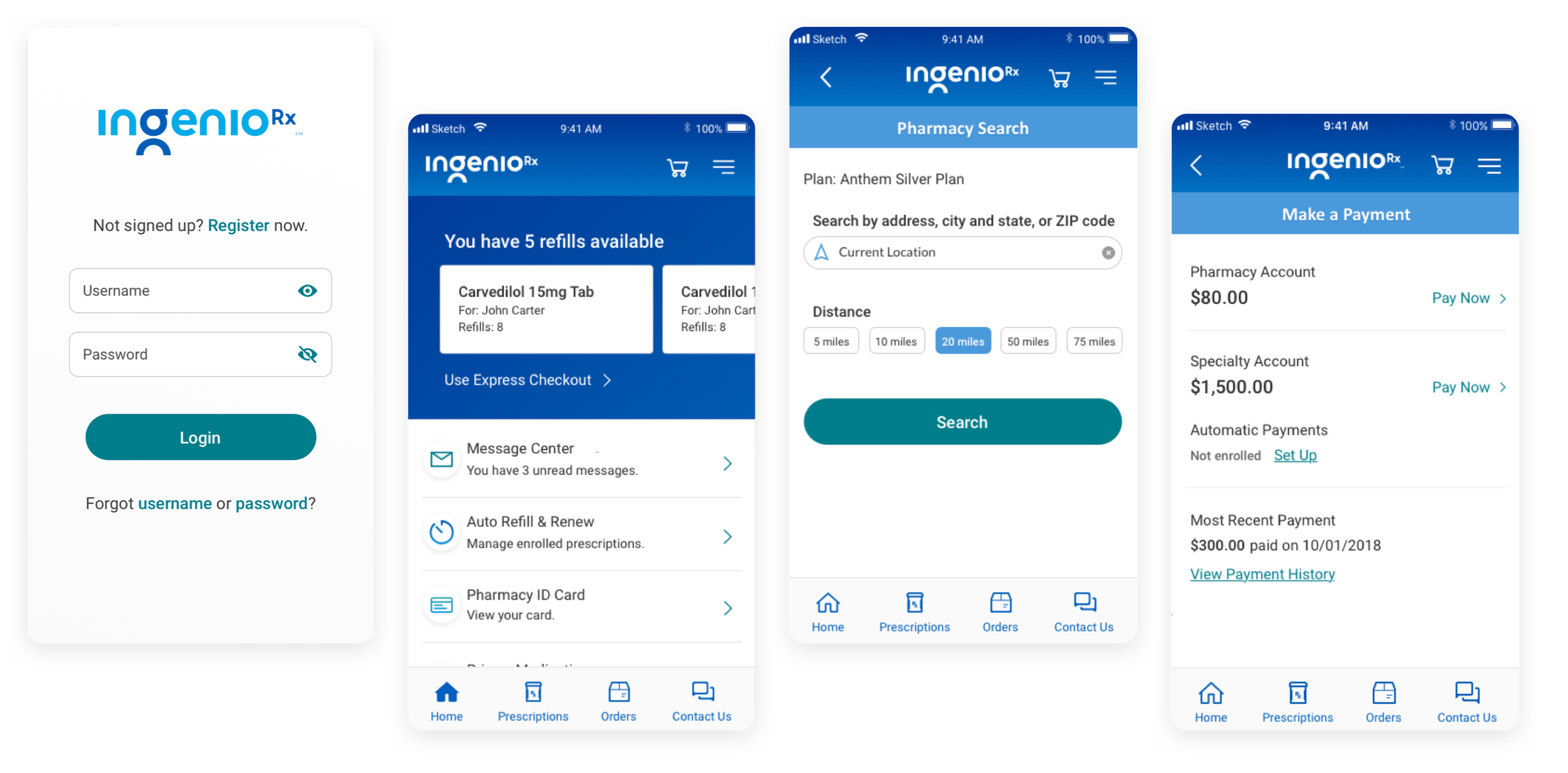
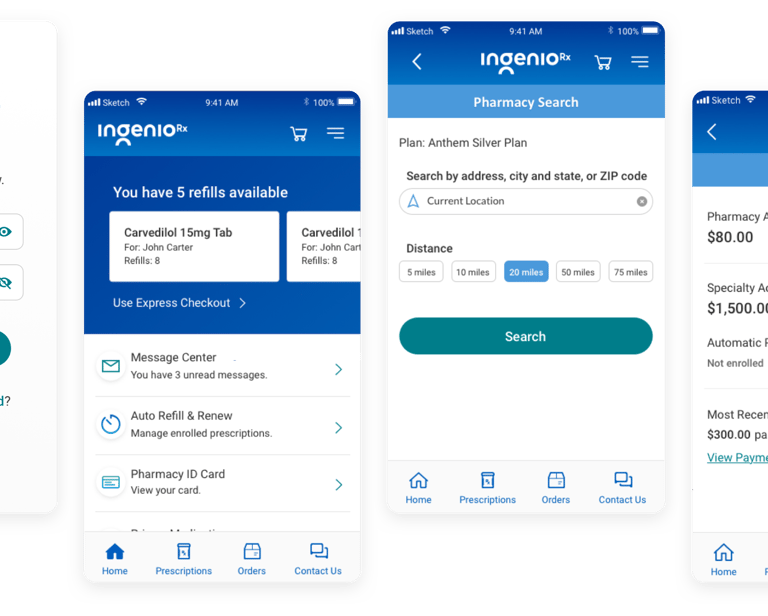
IngenioRx Mobile App
IngenioRx simplifies medication management while driving measurable impact. By consolidating refills, payments, pharmacy search, ID cards, and Specialty auto-refills into a single app, it reduces user friction, improves adherence, and increases engagement. These improvements help the business boost refill rates, streamline operations, and enhance customer satisfaction—turning everyday pharmacy tasks into a seamless, reliable experience.
ART DIRECTION, UX/UI DESIGN
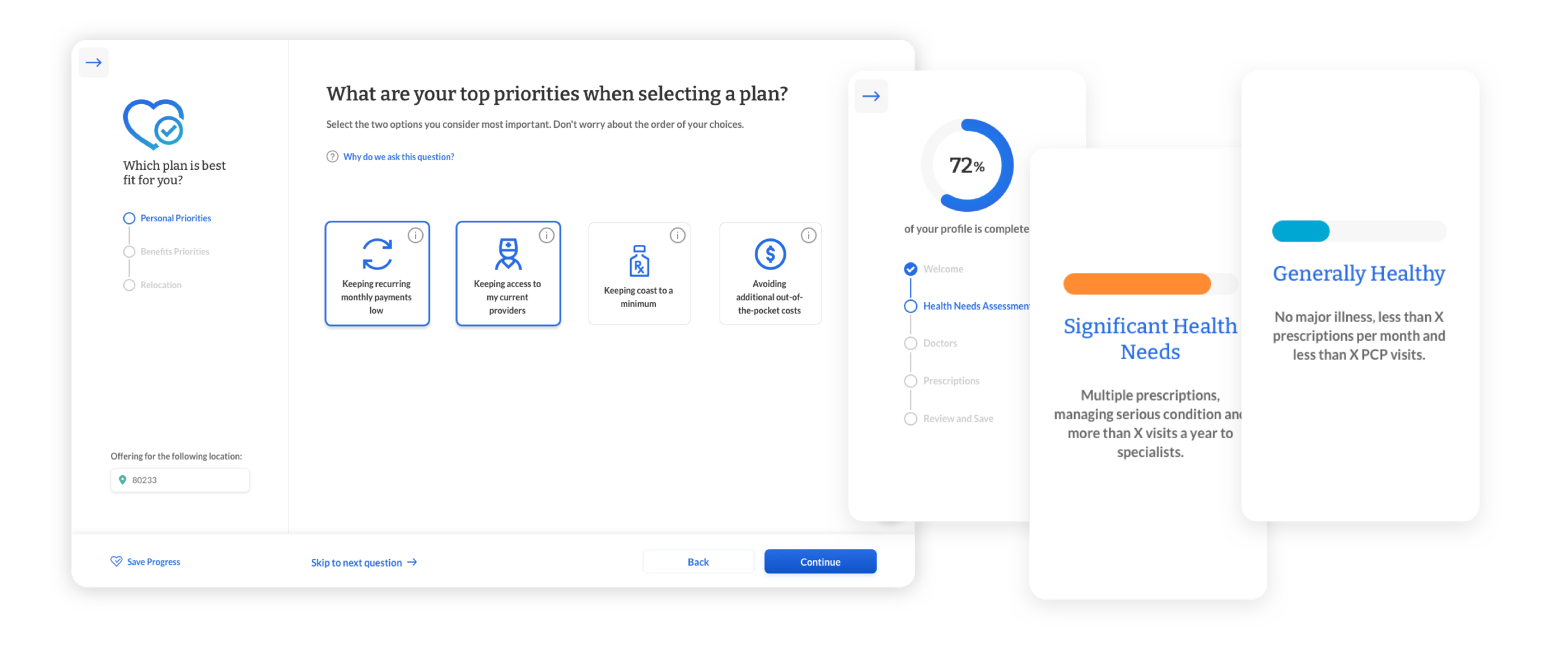
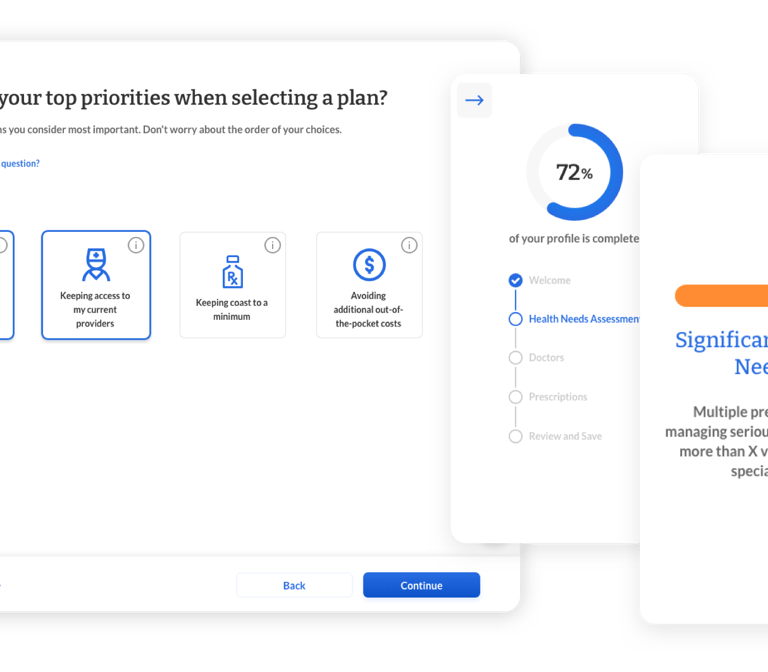
Medicare Shopper
Redesigned the Medicare shopper journey to focus on real user needs, delivering a seamless and personalized experience. By understanding key decision points, I helped users confidently search, compare, and choose the plan that best fits their unique circumstances. The solution not only simplified complex information but also increased engagement, reduced decision friction, and improved overall satisfaction with the selection process.
LEAD UX/UI DESIGN, FRONT-END DEV
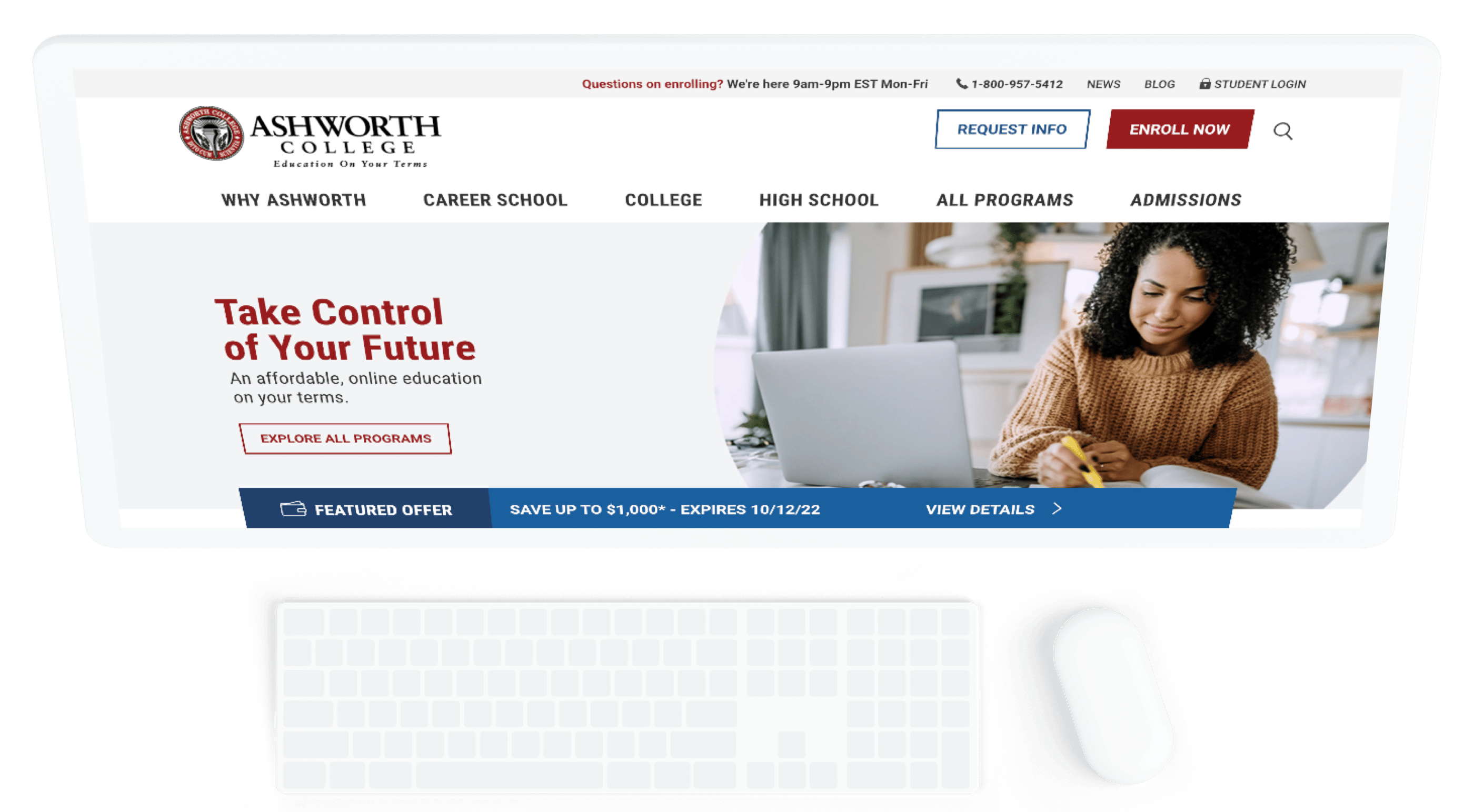
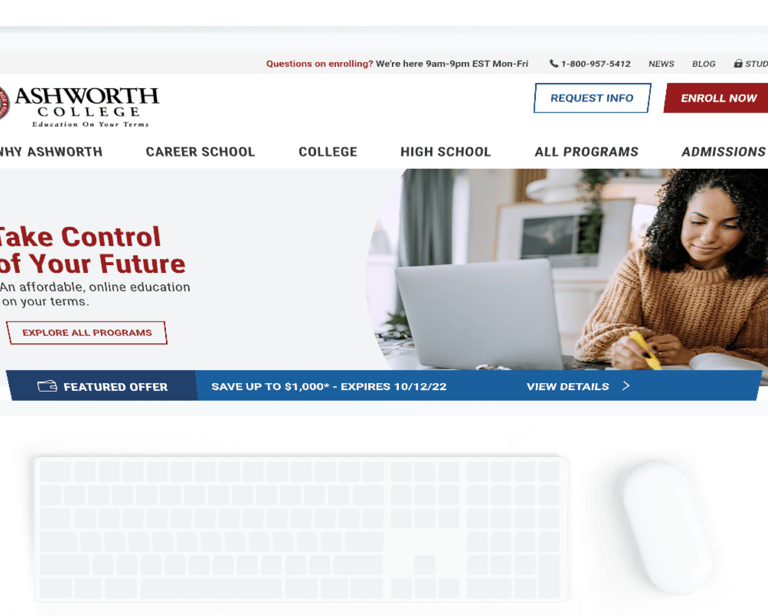
Corporate ReDesign
Ashworth College delivers a modern, fully online learning experience designed to maximize student outcomes and career impact. By applying enterprise-grade UX design principles, the platform guides students seamlessly through skill-building journeys, reduces friction in learning pathways, and emphasizes practical, career-ready results.