SmartHelp: Productivity Platform
Streamlining Enterprise Workflows Across Departments
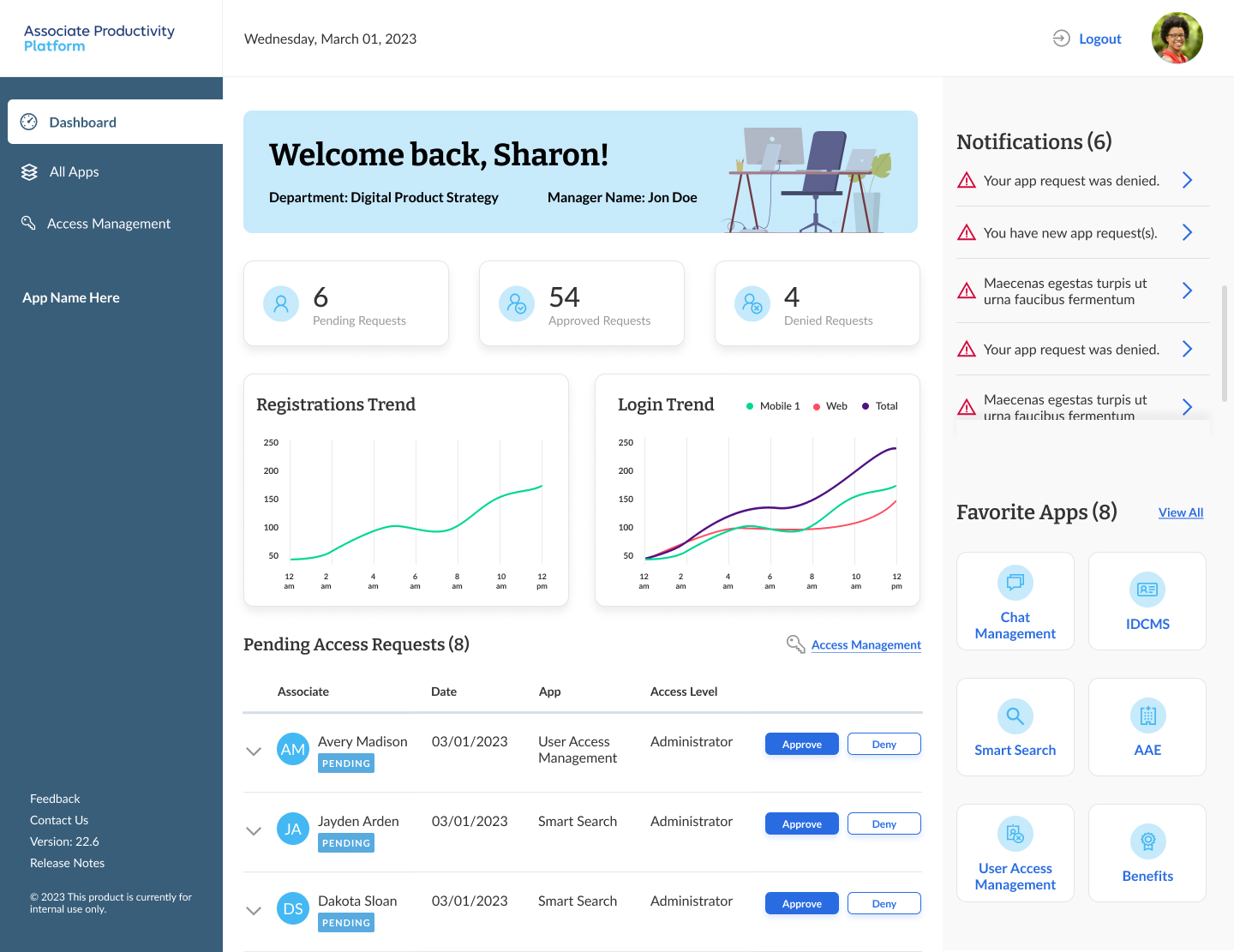
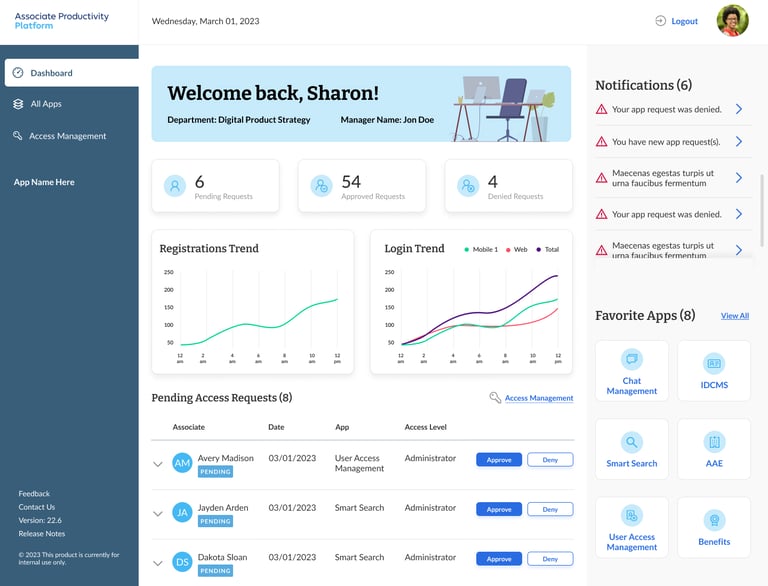
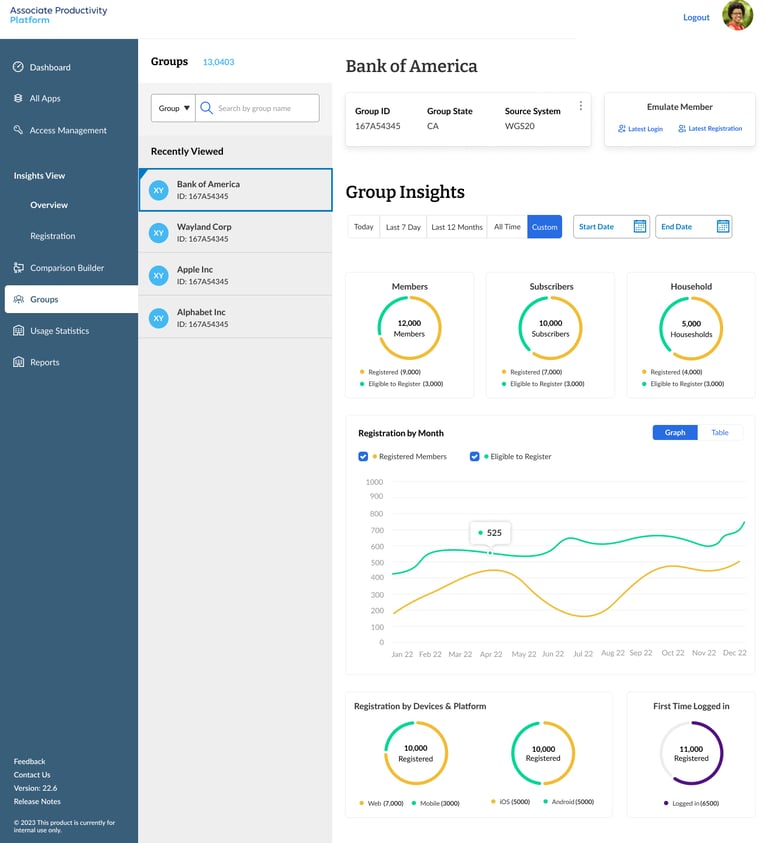
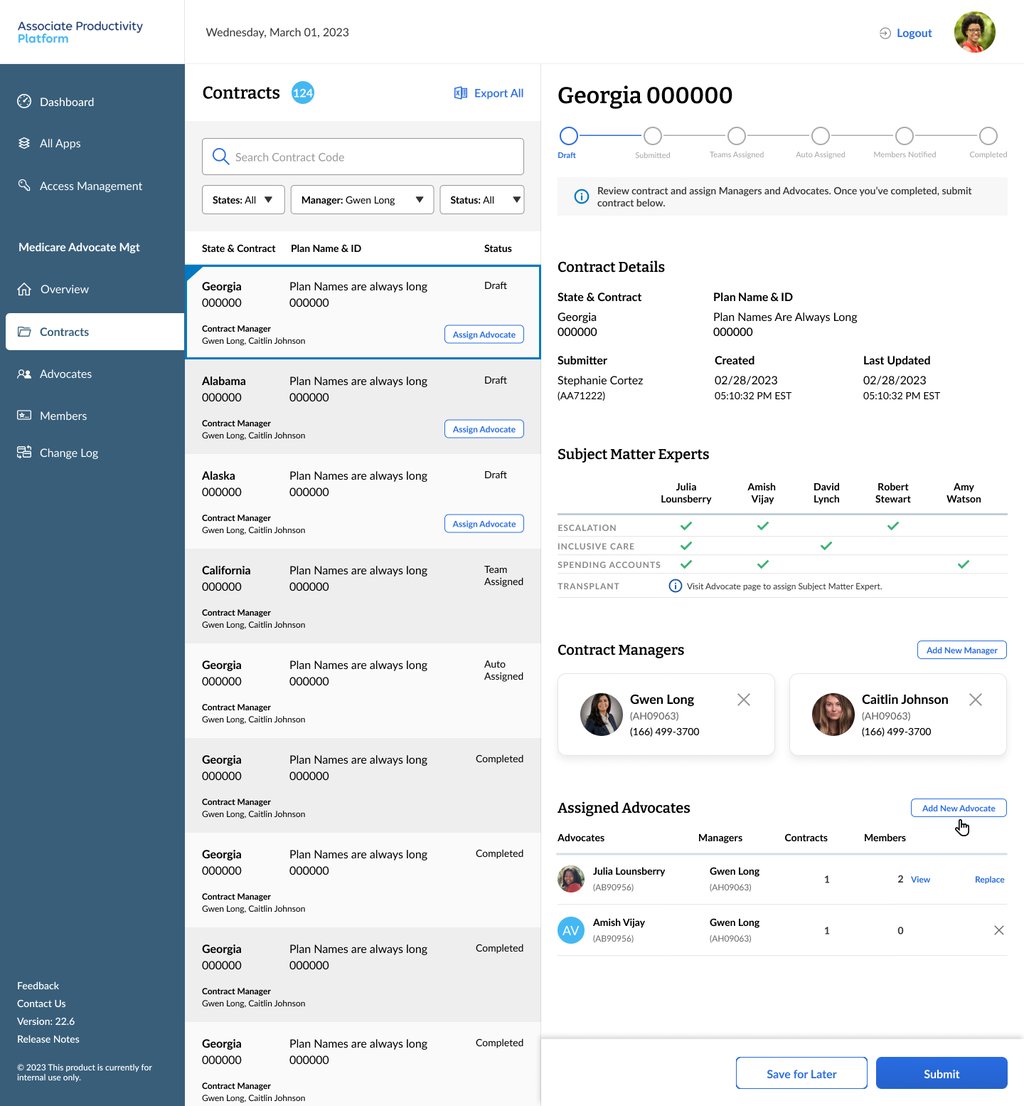
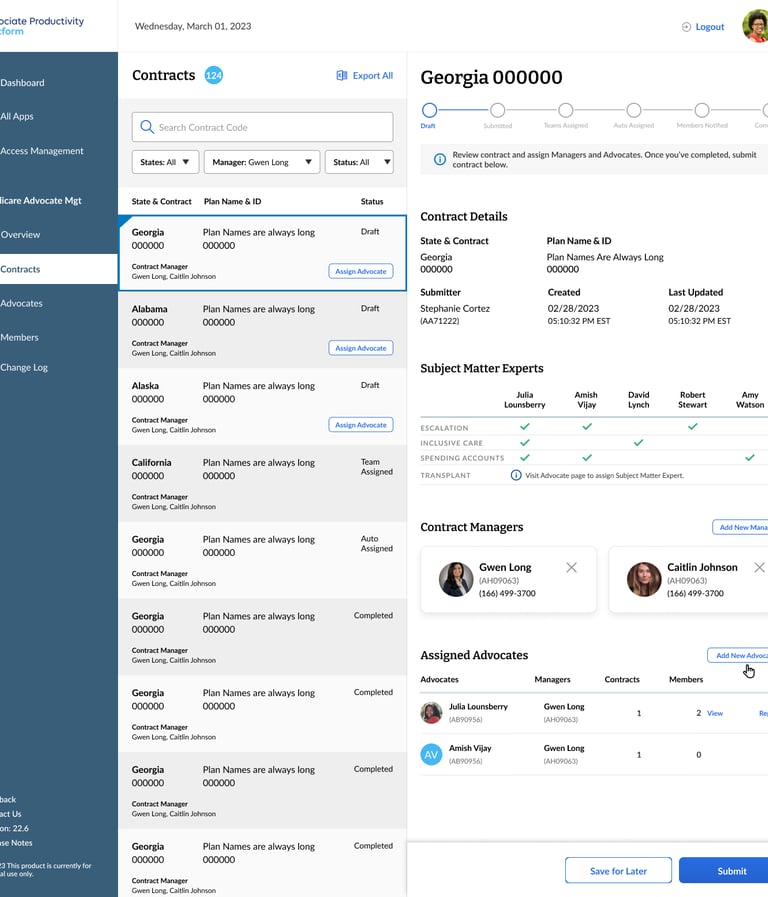
SmartHelp is an enterprise-grade internal platform designed to unify multiple personas workflows—development, clinical/support, marketing, and management—under a single interface. The platform centralizes member insights, analytics, task tracking, and cross-team collaboration, enabling faster decision-making, reducing friction, and improving operational efficiency across the organization. Within the first month, adoption reached 65% across departments, demonstrating strong alignment with enterprise needs.
My Role: As Lead Product Designer, I led UX research, user flows, wireframes, prototypes, visual design, and the creation of a scalable design system. I worked closely with cross-functional teams to ensure the platform met enterprise requirements while providing a consistent, tailored experience for each user role.

The Problems
The Challenge:
Fragmented workflows and inconsistent user experiences
Frequent context-switching and inefficiencies
For management, gaining a holistic view across departments was likely cumbersome (data scattered, hard to visualize).
Why It Mattered:
Inefficient internal tools directly impact enterprise productivity, increase training overhead, and risk miscommunication across teams. A unified platform was critical to reduce cognitive load, accelerate workflow completion, improve cross-department collaboration, and provide reliable data insights for leadership decisions.


UX Strategy & Design Approach
Design decisions were guided by user needs, enterprise workflows, and measurable business outcomes to create a scalable, intuitive platform.
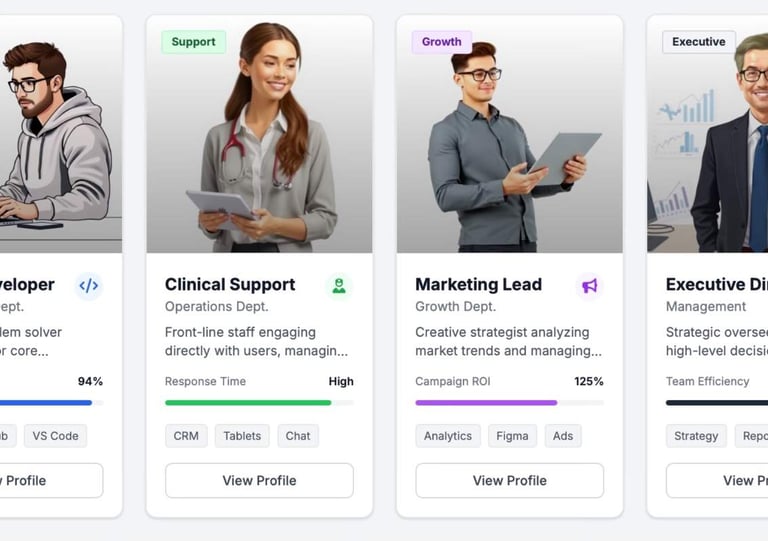
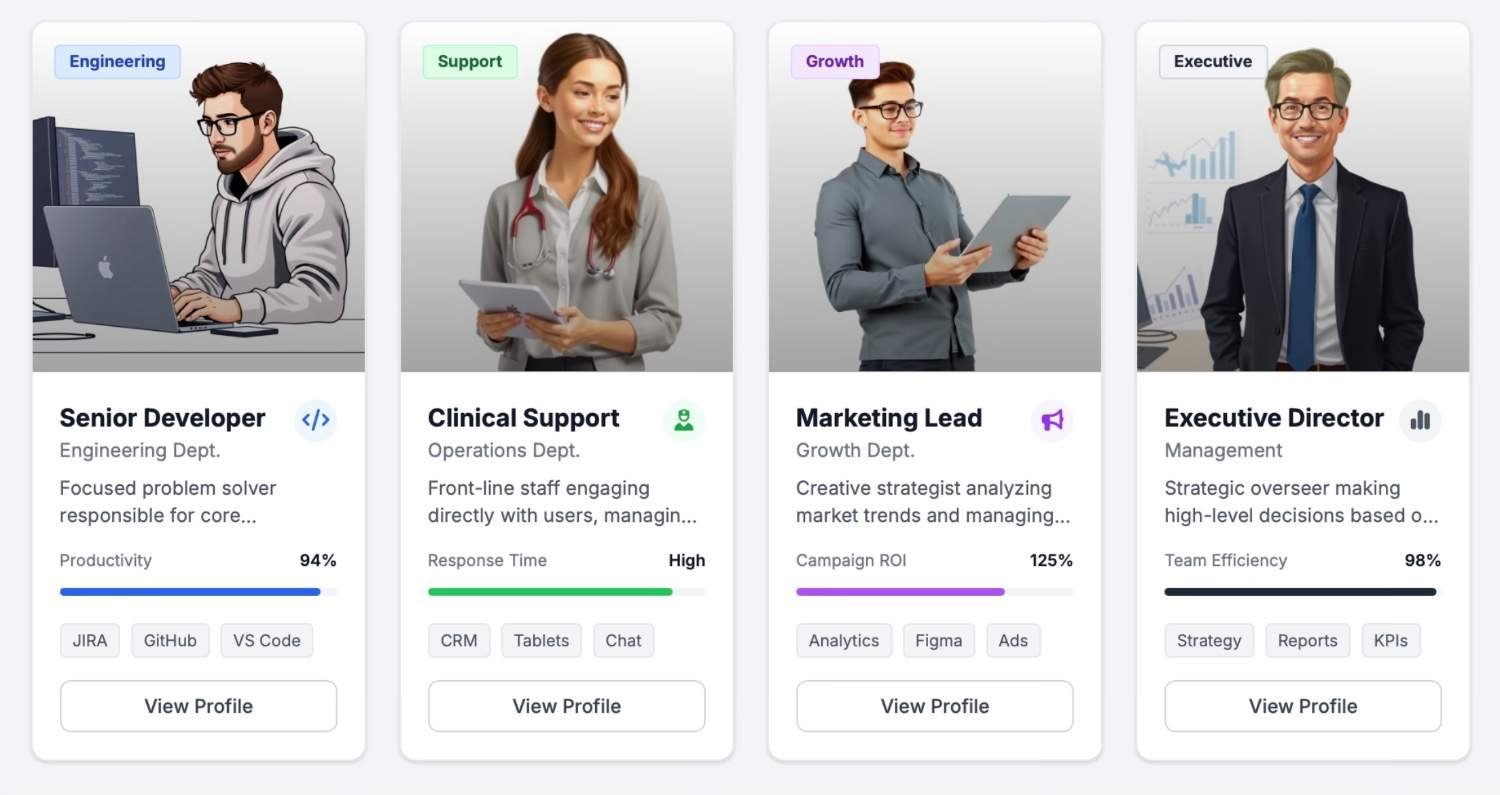
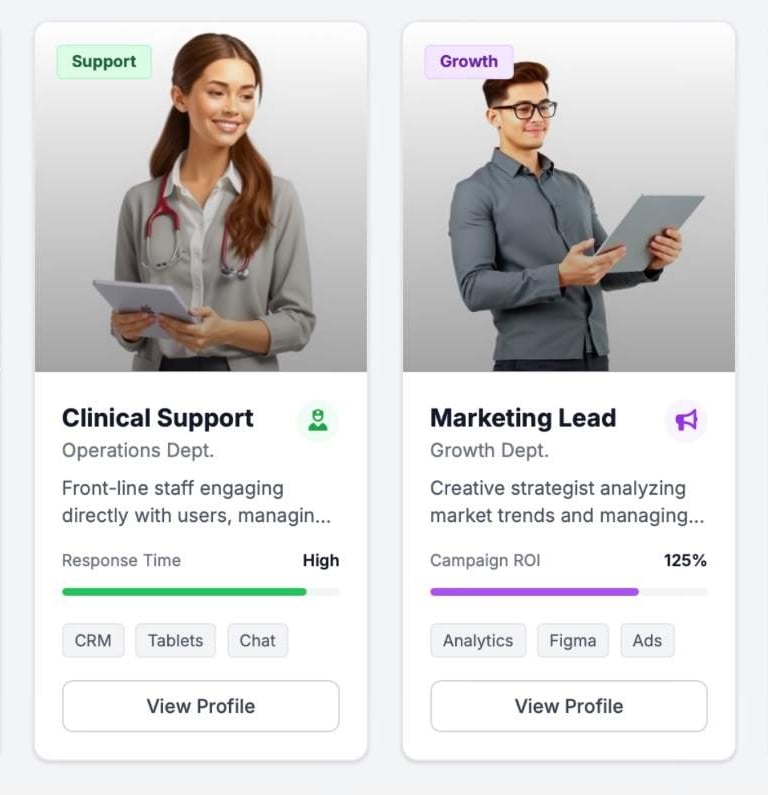
Persona-Driven Design: Tailored dashboards and navigation for Developers, Clinical/Support staff, Marketing, and Management.
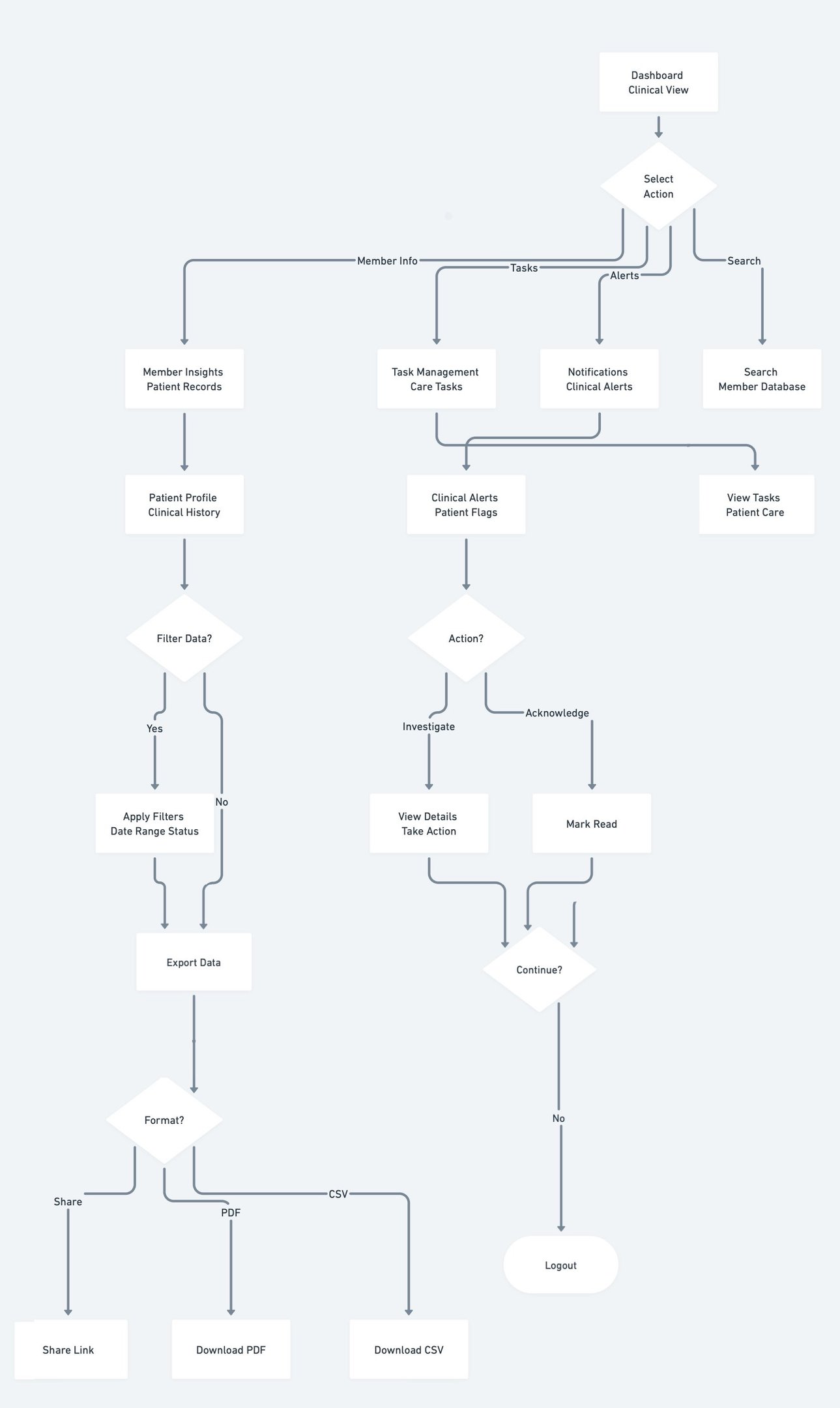
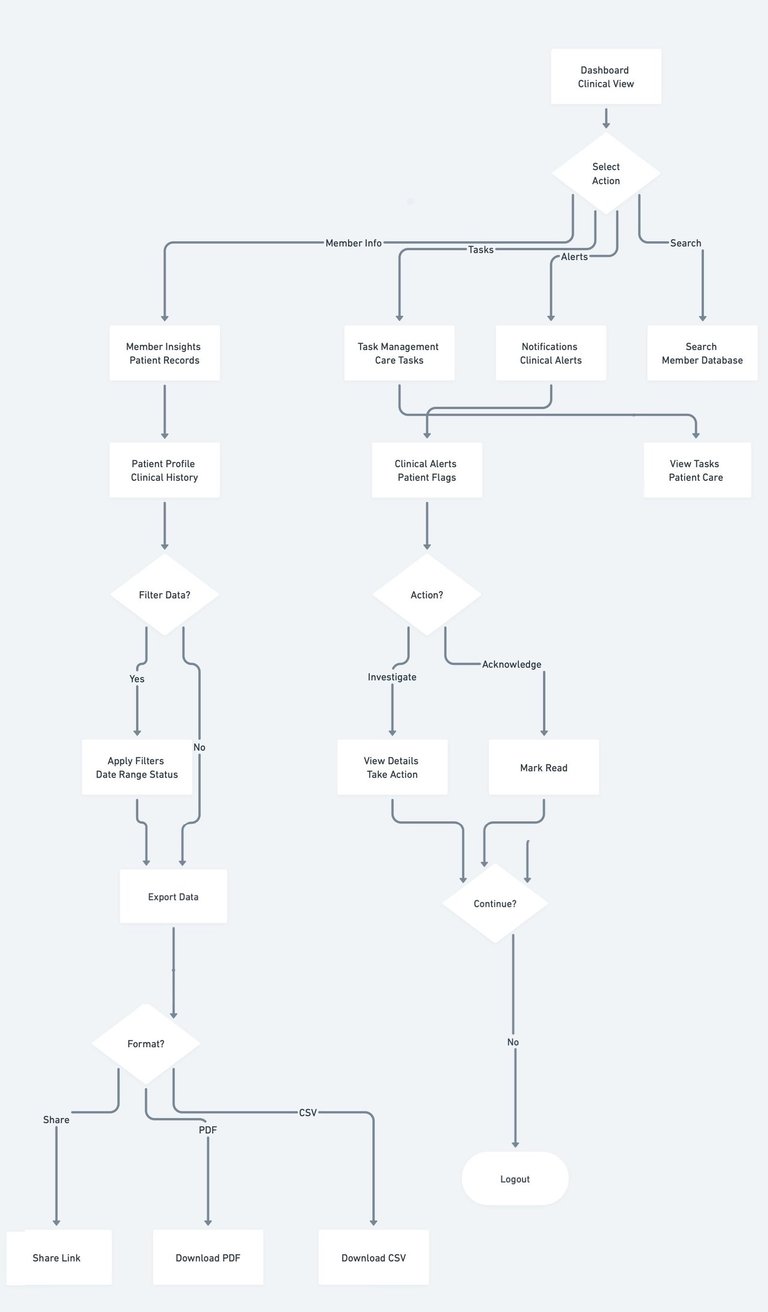
Workflow Mapping: Identified overlapping tasks across roles to streamline multi-department processes.
Iterative Prototyping: Low- and high-fidelity wireframes refined through user testing to balance simplicity for non-technical staff and depth for power users.
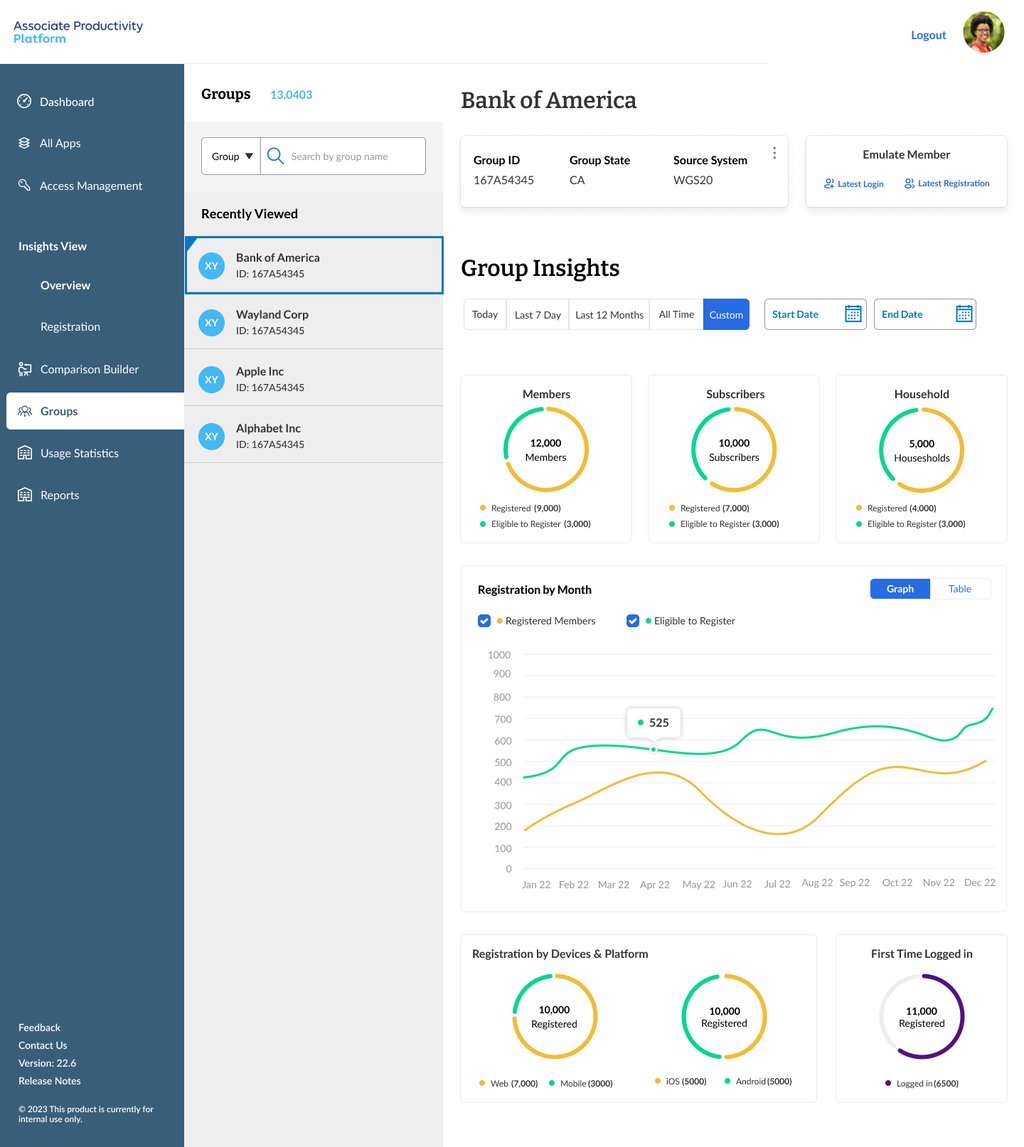
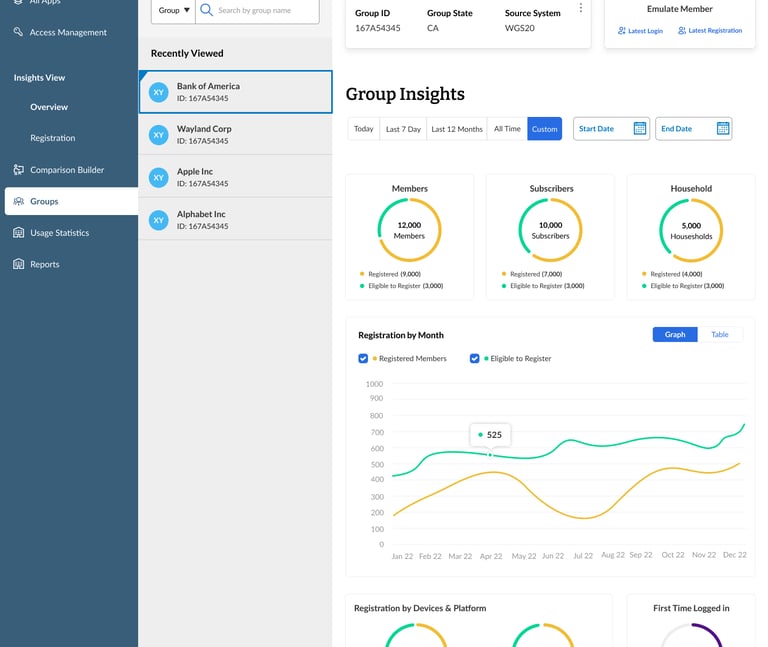
Data Visualization & Insights: Interactive dashboards enabled management to monitor metrics, tasks, and performance efficiently.


Implementation & Collaboration
Close collaboration with cross-functional teams ensured the design was feasible, adopted quickly, and delivered real operational impact.
Conducted cross-functional workshops to align stakeholders on priorities and workflows.
Coordinated with engineering to ensure technical feasibility and maintain a smooth handoff.
Collaborated with data teams to integrate real-time analytics and ensure accuracy.
Maintained regular feedback loops with users to refine features pre- and post-launch.`
Key Challenges & Trade-offs
Balancing diverse user needs, technical constraints, and enterprise goals required thoughtful trade-offs to deliver a scalable, efficient platform.
Aligning conflicting priorities between teams while maintaining scope for MVP launch.
Designing dashboards and analytics that were actionable without overwhelming users.
Ensuring scalability and future module integration while meeting tight timelines.
Navigating technical constraints across legacy systems without compromising UX quality.

Outcome & Impact
The platform streamlined workflows, improved cross-department collaboration, and delivered measurable efficiency gains across the organization.
Reduced Context Switching: Users reported a 40% reduction in cross-department task switching.
High Adoption: Achieved 65% adoption across four departments within the first month.
Operational Efficiency: Consolidated workflows decreased errors and sped up task completion.
Scalable Platform: Design system supports future features without major redesign.
Improved Satisfaction: Tailored experiences for each role reduced cognitive load and shortened onboarding time.
Reflections & Learnings
Designing for multiple, highly diverse personas taught the value of prioritization, negotiation, and data-driven decision-making. Extensive user research and early prototyping proved essential for intuitive IA and user flows. Cross-functional collaboration and well-documented design systems minimized rework and ensured feasibility, creating a platform that scales with enterprise needs.


Outcome-Driven Enterprise Design
A unified, scalable platform that streamlines workflows, empowers teams, and drives measurable enterprise impact.